Real estate agencies and homes
Create a real estate virtual tour to show rooms and how they connect before an in-person visit.
VIRTUAL TOUR EDITOR · SOY AGORA
Showcase a home, a shop or your business with an interactive tour. In the app, add your panoramic photos, connect the spaces and publish a tour that can be opened via a link.
LET THEM EXPLORE
Create a real estate virtual tour to show rooms and how they connect before an in-person visit.
Invite people to explore your premises from their browser. Share the tour with those who want to discover it before visiting.
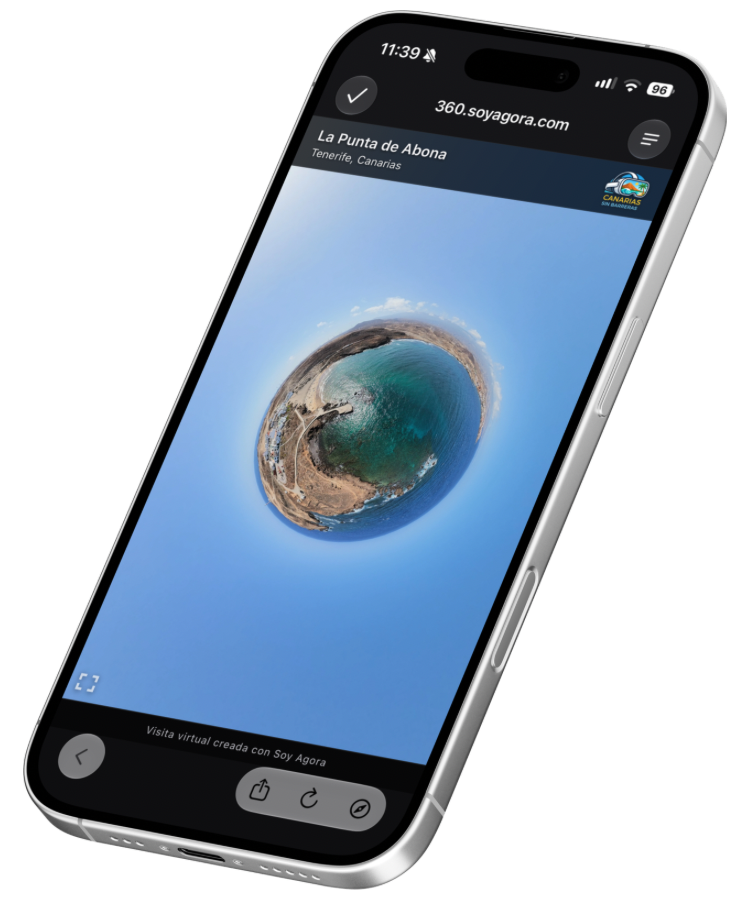
Connect places of interest and landscapes in a virtual route. You can also join 360° panoramas taken from the air into a single aerial tour.
FROM YOUR PANORAMAS TO A LINK
Prepare the 360° photos of the place and open the virtual tour editor in Soy Agora. These are the actual screens used in the process.
Give it a name and, if you like, a description. The public address is generated automatically and you can change it when publishing.
Add the 360° photos of each space. Personalize the tour with your logo and add a link your visitors can access.
Add interactive points—hotspots—to move to another panorama or display text. Also choose the view that appears on entry.
Review the tour in the preview. When you publish it, you will have a link and a QR code to share your virtual tour. You can also embed it on your website.
A REAL EXAMPLE · SANTA CRUZ DE TENERIFE
Explore the shop and move from one space to another. This is the tour created using the screens you have just seen.
View example of a 360° virtual tourCREATE IN THE APP. SHARE BEYOND IT.
Send the link to your customers, display the QR code at your premises or embed the virtual tour on your page. Visitors can explore the published tour from their browser, without installing Soy Agora.
It is not a photo gallery: each person can look around and choose where to go next.
Yes. The Soy Agora editor lets you create free virtual tours from the app: add your panoramas, connect the spaces and publish the tour.
You need 360° panoramic images of the spaces you want to show. The editor connects them through navigation points to form an interactive tour; it does not turn a conventional photo into a 360° panorama.
Yes. Creation and editing take place within Soy Agora, available for iPhone and Android. You can add panoramas, configure interactive points and publish from the app.
Yes. You can present homes and other properties with connected panoramas of their rooms. Share the link with interested people so they can explore the space before visiting.
Yes. You can embed the published tour on your website. You can also share its public URL or QR code so visitors can open it directly in their browser.
No. The app is used to create the tour, but the published tour can be opened via a link in a browser.
FOR IPHONE AND ANDROID